Seeing YazSes work — tray icon & overlay
YazSes is hold-to-talk and mostly invisible, so it gives you two at-a-glance visual signals that tell you exactly what it's doing without switching windows:
- A top-bar tray icon — a small “Y” badge whose colour is a live state indicator.
- An optional voice-activity overlay — sonar rings near your cursor that pulse while YazSes is recording your voice.
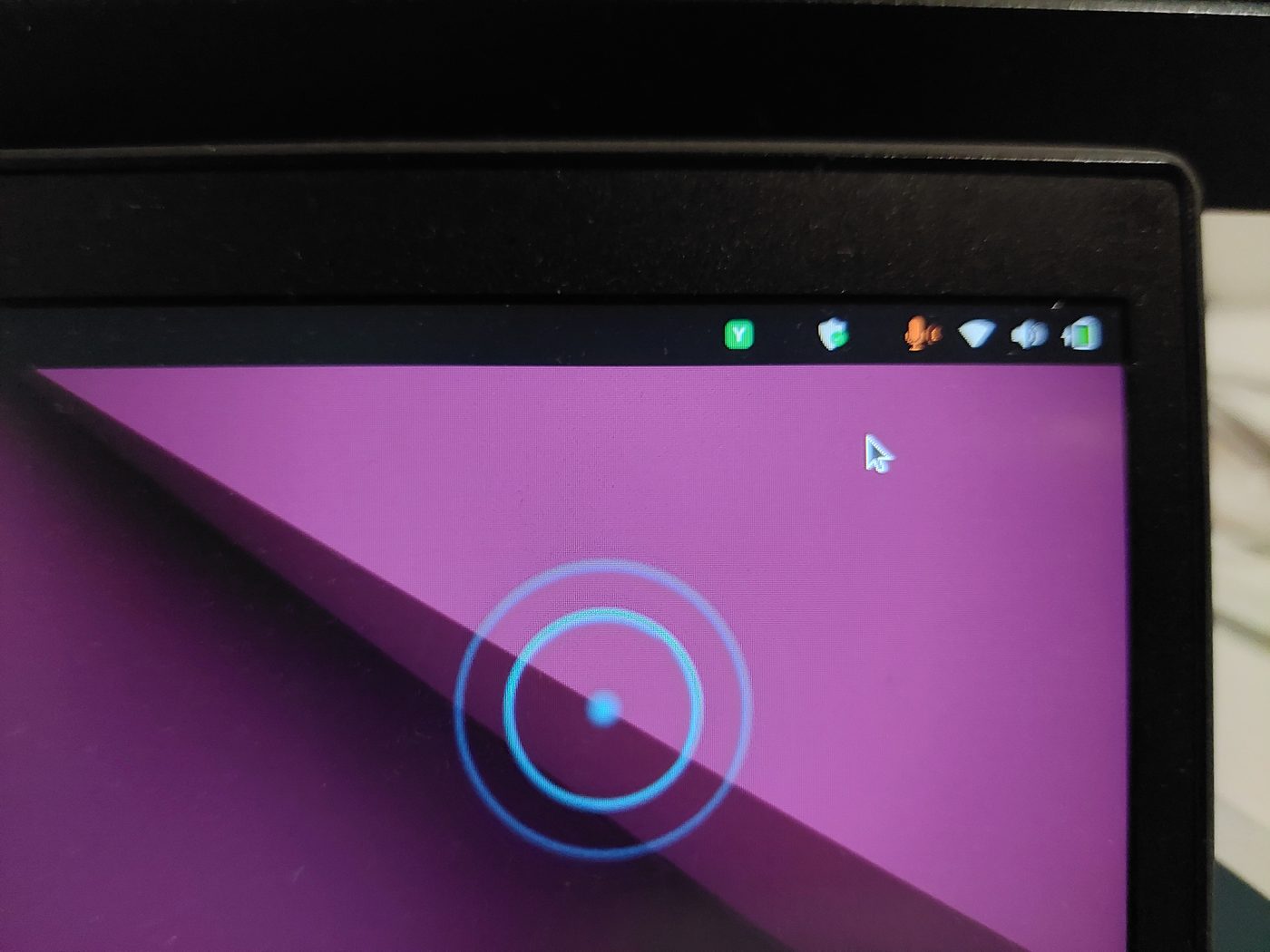
The tray icon “Y” — a 5-colour state indicator
The badge sits in your top bar (GNOME shown here) and changes colour as YazSes moves through its states. Click it for a menu to pick/pin your mic, re-calibrate, and restart/stop the daemon.
| Colour | State | What it means |
|---|---|---|
| 🔵 Blue | Normal / idle | Daemon is up and ready. Nothing is being recorded. |
| 🟢 Green | Dictating into text | You're holding the hotkey and speaking; the words will be typed into the focused text field. |
| 🟡 Yellow | No text target | You're dictating but nothing editable is focused — the words are saved to the clipboard instead of being typed into the wrong place. |
| 🟣 Purple | Command mode | You're holding the command key, so speech is parsed as a voice command (e.g. “undo that”) rather than typed. |
| 🔴 Red | Problem | An error or a run of silent captures (e.g. the mic went silent / switched away). Open the menu or run yazses doctor. |
Blue — ready / idle

Red — a problem needs attention

🟡 Yellow (no text target) isn't pictured here — it looks like the blue/green badge but yellow, and it means “I heard you, but there was no text box to type into, so I put your words on the clipboard.” Paste with Ctrl+V.
The voice-activity overlay — “YazSes is listening”
When the overlay is enabled, holding the hotkey draws expanding sonar rings near your cursor that react to your voice level, so you get instant feedback that YazSes is actually recording — no guessing whether it heard you.
Notice the tray badge colour and the overlay together tell the whole story:
Recording into text (tray 🟢 green + rings pulsing)
Command mode (tray 🟣 purple + rings pulsing)
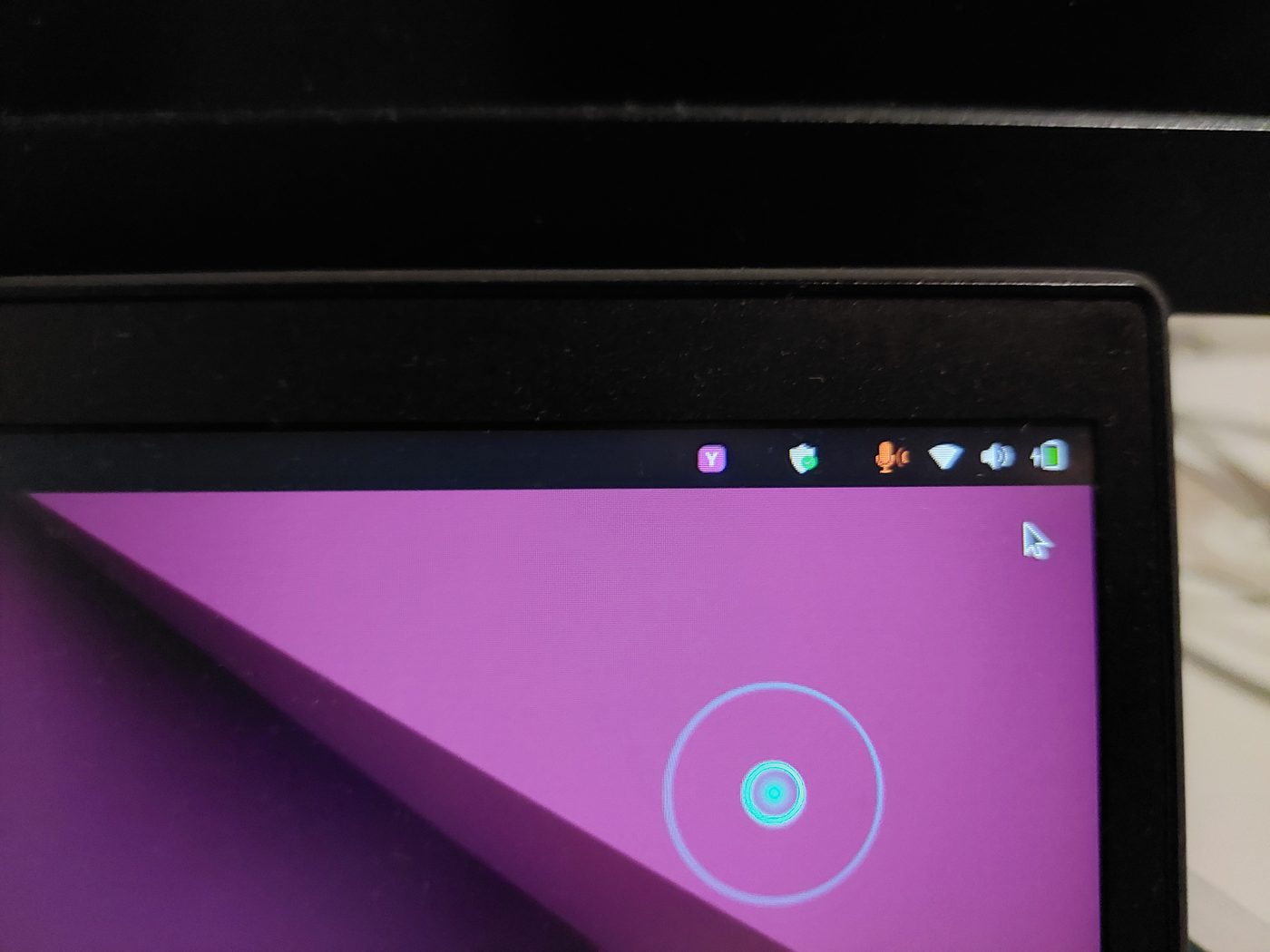
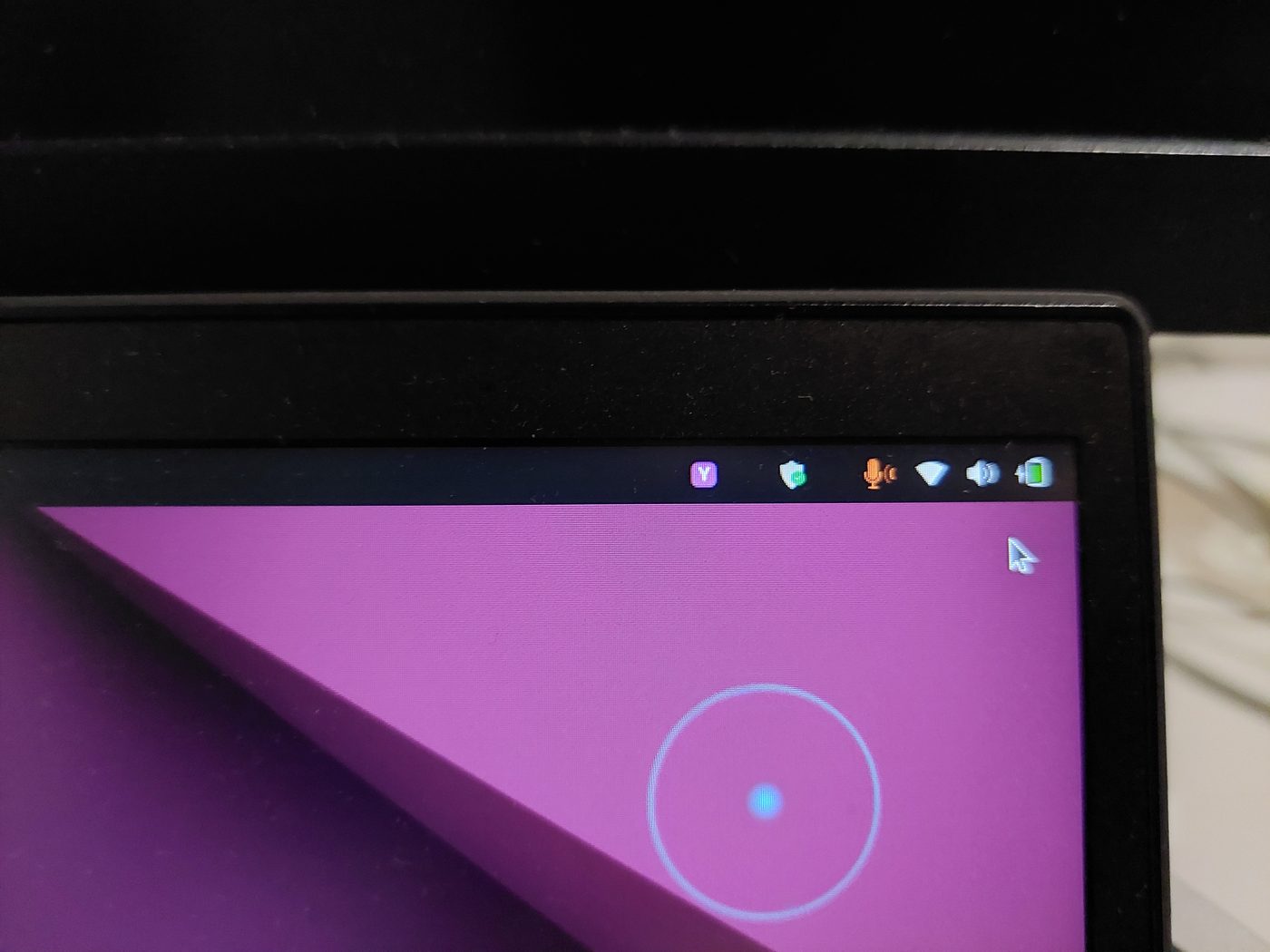
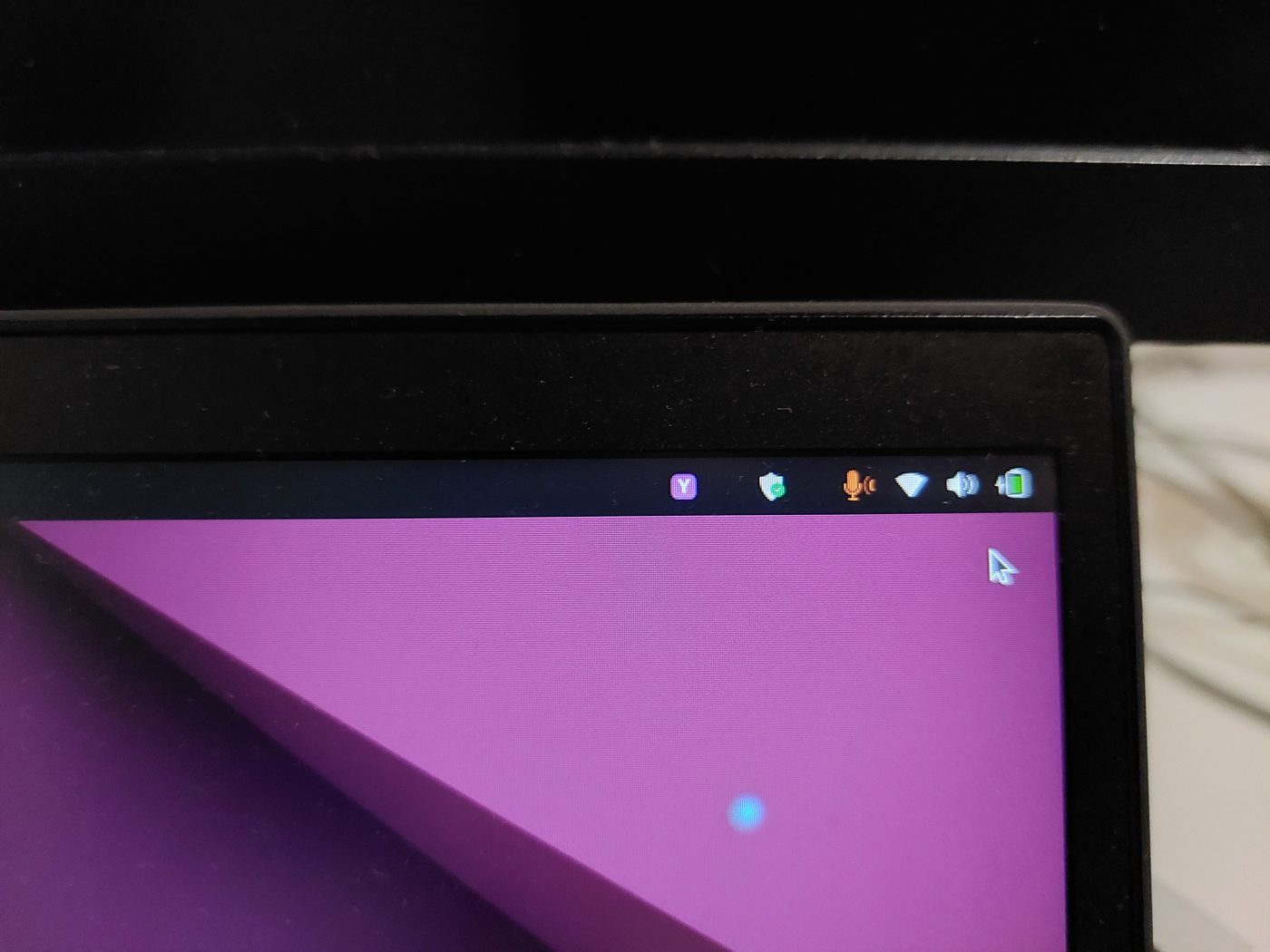
The rings grow and fade with your speech level, then disappear the moment you release the key.
Turn them on
Both are opt-in surfaces you can toggle with yazses features (no config-file editing):
yazses features                 # list capabilities and their on/off state
yazses features enable tray     # top-bar Y state indicator
yazses features enable overlay  # sonar voice-activity rings (needs the `overlay` extra: PySide6)
yazses restart                  # apply
- The tray icon is on by default when a desktop is present (
[tray] enabled = true). - The overlay needs the
overlayextra (pipx install 'yazses[overlay]'oryazses features enable overlayauto-installs it).
See the CLI reference and features guide for the full list.